
After many requests (I counted 9 unique wish list requests on the X-Ways User Forum since 2016), 21.5 Beta 1 introduced the ability to decrypt BitLocker partitions using select products from X-Ways, joining several other tools that can transparently support this task.
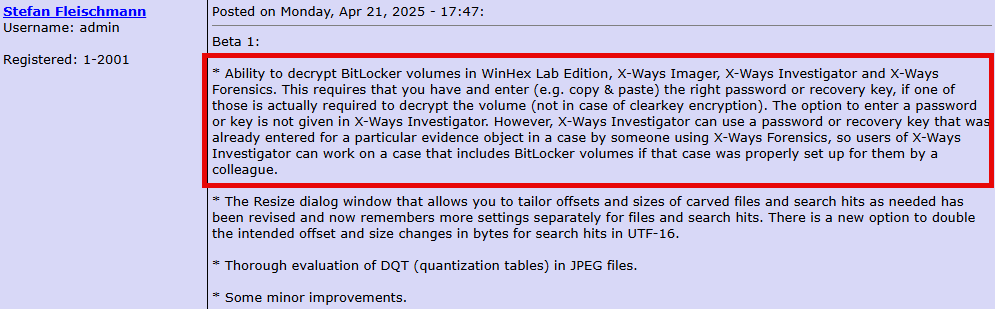
Depending on your workflow, this new feature will save you a few extra steps when using XWF to examine and analyze data.
As of 21,5 Beta 3d, decrypting the partition, from an E01 image in this example, may be performed with the following steps:
- Case Data > File > Add Image…

2. After the BitLocker partition is opened, a prompt to enter the BitLocker password or recovery key will appear; enter the password or recovery key

3. Done


The Technical Details Report (Specialist > Technical Details Report) includes the key identifier. This is helpful to correctly identify the recovery key to unlock the partition.

Honorable Mention
The new partition layout feature is a graphical representation of the storage device.


Feature image generated with WordPress’ Jetpack AI Assistant.


 mr. eerie
Leave a reply to Week 20 – 2025 – This Week In 4n6 Cancel reply